Codex’s rules still apply
Application access and sensitive actions: the Codex Computer Use rules still apply. This layer is not a way around a denied application or action.
 NexusWindows / for Codex
All editions
NexusWindows / for Codex
All editions
LAYER FOR CODEX’S COMPUTER USE · WINDOWS
Background-first Windows layer for Codex’s Computer Use.
Codex has its own Computer Use. NexusWindows for Codex adds to it on Windows: a local .NET helper acts in the background first, and Codex’s physical input is only a last resort.
For

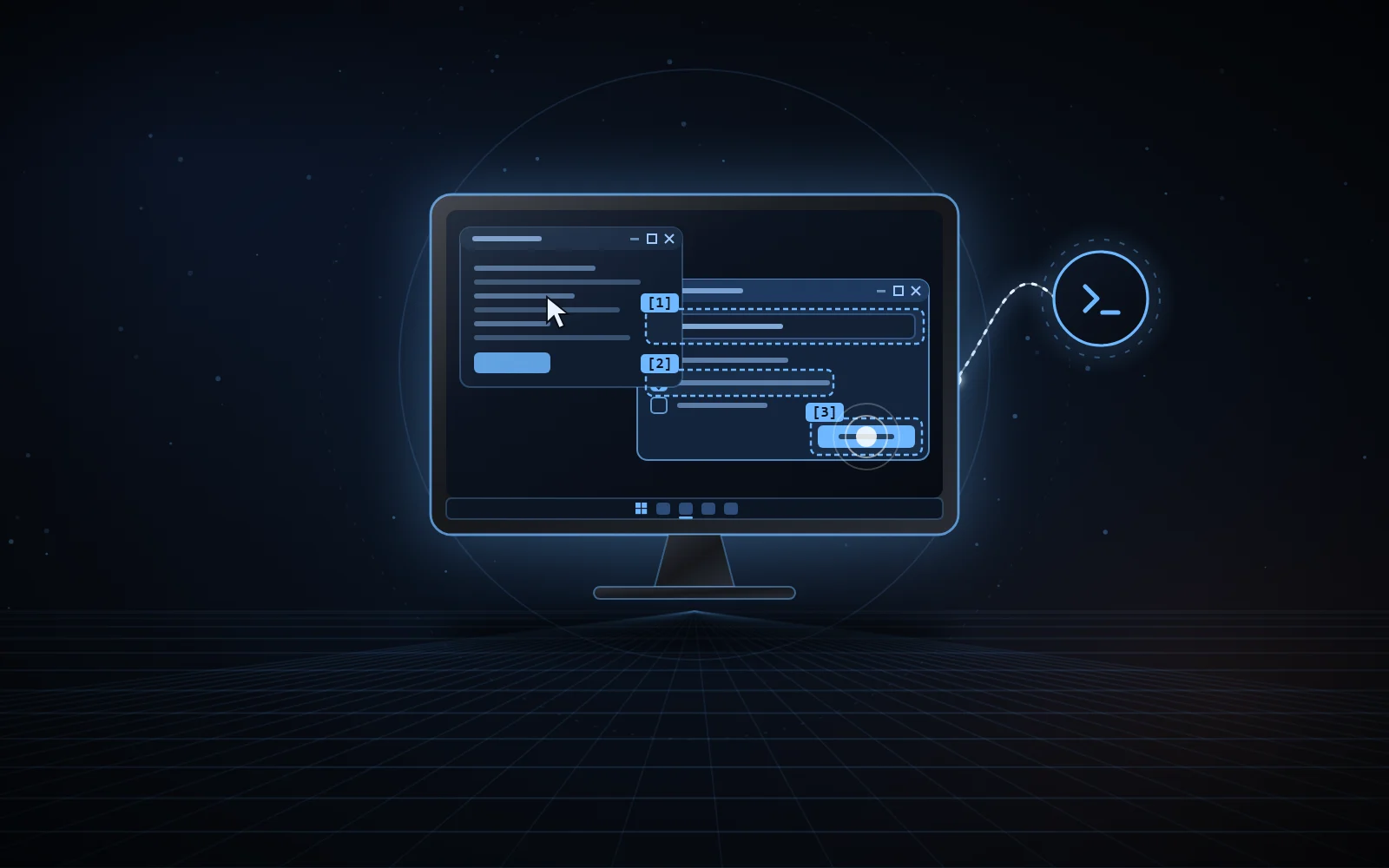
win.observe()okButton Validate · buttonstatus Status · textwin.act(obs, {kind:"click", expect})verified background:messages, foreground untouchedsent-unconfirmed sent, neither counted nor replayedrefused password field, nothing sent01 / WHY
On Windows, Codex’s Computer Use works in the foreground: OpenAI’s documentation says to keep the target application visible on the active desktop while the task runs, and it takes over the mouse and keyboard.
Many Windows applications can be driven without that. This layer keeps Codex’s Computer Use API for window inventory, screenshots and physical input, tries the background techniques first, judges the result from the application’s real state, and only uses physical input as a last resort, after a pause in your typing and under a token shared with the other agents of the PC.
Source: OpenAI’s Computer Use documentation. A skill and JavaScript modules loaded in Codex’s Node REPL: no MCP server, no network port, no token, no private Electron API.
02 / WHAT IT DOES
Every result says which technique acted, whether the foreground was taken, and every attempt.
Win32Messages to controls (button, check box, typing, open or closed combo box, list, tab, menu), read back. Never UI Automation Invoke, which activates the window.
WinFormsUI Automation Invoke and Toggle; messages for fields, combo boxes and lists.
WPF · UWP · WinUI · ChromiumCOM UI Automation without taking focus, from a separate process; a combo box is closed again after every choice.
expectAn explicit postcondition: verified, unmet or already satisfied. A postcondition that proves nothing is refused before any input.
actBatchUp to 32 actions validated before any input, stopping at the first unverified step.
PrintWindowCapture of the followed window without bringing it forward, even when covered.
1.4.1No more double click: a background click sent without a read-back effect becomes sent-unconfirmed, never counted as a success nor replayed.
foregroundReturnedIf physical input took the foreground, it is handed back at the end; if you moved to another window, nothing is taken from you.
Multiple windowsThe session follows dialogs and returns to their owner window when they close.
Raw InputYour presence read without a hook or content: 1.618 s without input from you before any physical input, typing stopped as soon as you take over.
MemoryA verified click can become a recipe, invalidated as soon as the application or its controls change; no typed text is kept.
Excluded windowsThe agent’s own app, terminals and consoles, security and sign-in screens, password managers: refused before any input.
Real validation of October 15, 2026: Win32 actions in 105 to 159 ms, WPF in 193 to 241 ms, capture of a covered Win32 window in 19 ms, foreground unchanged and cursor still.
03 / SAFEGUARDS
The rules live in the tool itself, not only in the agent’s instructions.
Application access and sensitive actions: the Codex Computer Use rules still apply. This layer is not a way around a denied application or action.
Password field, excluded application, changed control, disabled window or command: nothing is sent, and no fallback is tried.
A stale observation, another window or an ambiguous control stops the action before any input.
Only when no background technique applies or nothing took; never for a partial effect; forbidden with fallback:false.
Checked before each action and before each character of physical typing; a refused action is never replayed.
Captures refused under OneDrive folders; metrics never contain UI text, screenshots, typed values or titles.
04 / ALONGSIDE OTHER AGENTS
Two file-based protocols shared by the NexusWindows editions and NexusBrowser. Any agent can implement them.
A shared file, held only while really using the mouse or the foreground, never for a background action. Windows releases it if the agent stops; a waiting agent gives up after a few seconds and says who holds it.
Ctrl+Alt+Shift+Esc blocks every desktop action for 2 minutes, for every agent; reads stay allowed. Deleting the file or changing the clock does not lift the stop.
Before any physical input, the layer waits for a pause in your typing (8 s at most, otherwise nothing is sent) and stops as soon as you take the keyboard or mouse back.
05 / INSTALLATION
Requirements: Windows 10 or 11, the Codex desktop app with its Computer Use plugin, the .NET 8 SDK and Node 22+ for the tests. install.ps1 builds the helper, installs the skill in Codex’s folder and checks the files by hash; new Codex sessions pick it up.
pwsh -NoProfile -File install.ps1
Independent project, not affiliated with Microsoft or OpenAI.
06 / THE NEXUS FAMILY

Local MCP server for Claude Desktop and Claude Code, on any plan that loads a local MCP server.
Discover the Claude edition
MCP server for Google Antigravity, designed for Gemini: one look, then one batch.
Discover the Antigravity edition
Your real Chrome, driven by your AI agents in background tabs.
Discover NexusBrowser
A real Android phone, seen and driven by your agents over ADB.
Discover NexusAndroid07 / SOURCE CODE
The code, documentation and measurements are on GitHub, under the MIT licence.