Your real Chrome, driven by AI agents in background tabs.
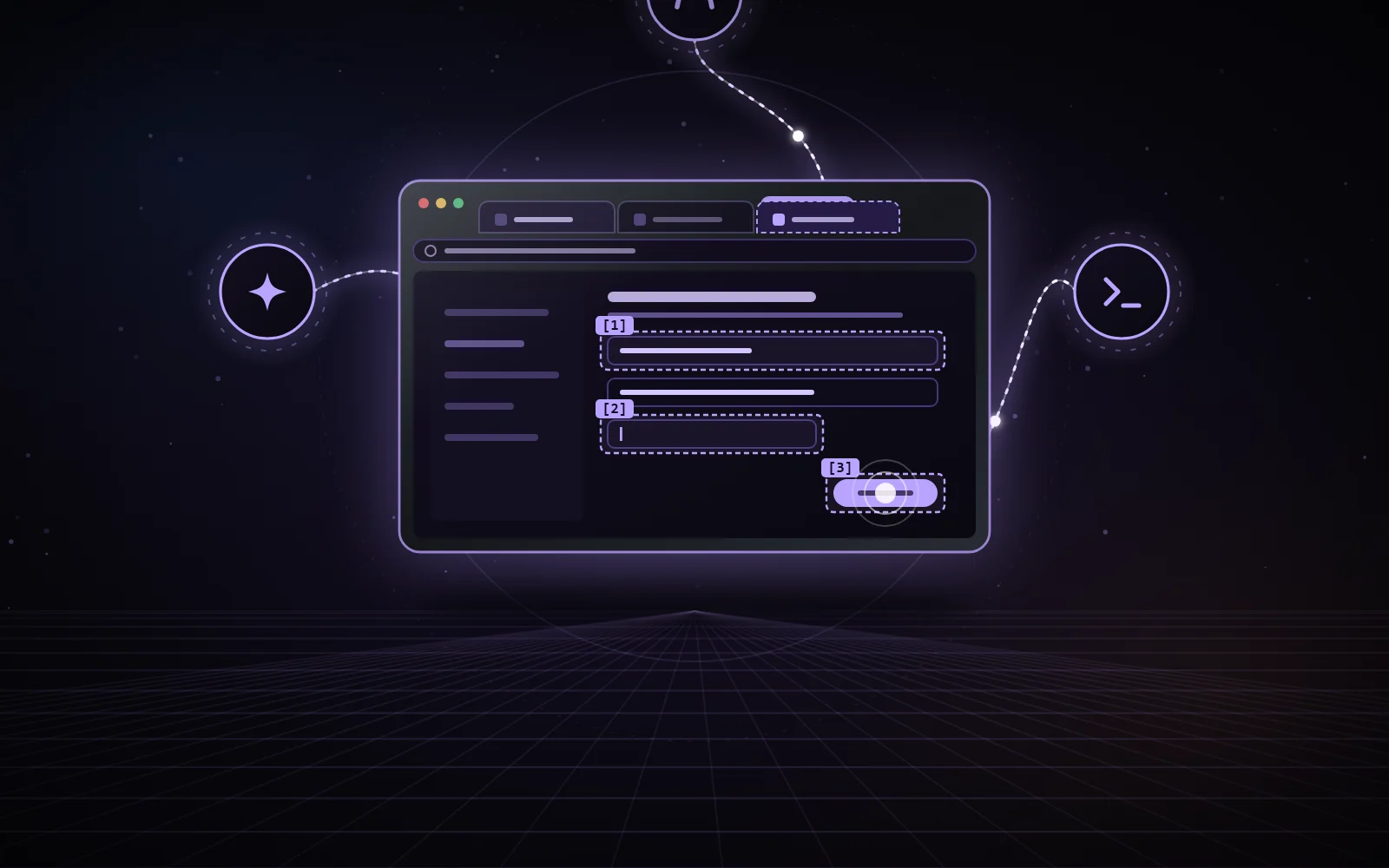
One bridge and one MCP server, nexus-browser, shared by Claude, Codex and Antigravity: each agent drives your real Chrome, with your sessions, in its own background tabs, grouped under its name.
Illustration of an exchange: each agent only drives its own tabs, and a password value never leaves the page.
CHROME MV3/CDP/MCP/PYTHON/127.0.0.1/MIT
01 / WHO IT IS FOR
Born for Antigravity. Useful to Claude and Codex.
Antigravity
NexusBrowser was built first for Antigravity. Its browser agent works in a separate Chrome profile, which shares neither the cookies nor the sign-ins of your usual profile. Antigravity documentation ↗
With NexusBrowser, Antigravity works in your real Chrome, with your sessions and your extensions.
Claude and Codex
Claude (Claude in Chrome) and Codex (its Chrome extension) already have their own extension in your Chrome. For them, NexusBrowser is a complement, with dedicated tools.
The complement’s tools
JavaScript dialogs, detailed network log with response bodies, cross-origin iframes, exports of pages, Google Docs, Sheets or Slides and YouTube transcripts, downloads.
02 / THE COMPONENTS
One shared bridge. Three agents.
The same server for all three agents: one bridge to maintain, tabs grouped by agent and the same safeguards.
extension/
The “Nexus Browser Bridge” Chrome extension: DevTools protocol actions, locators, network, dialogs, cross-origin iframes, exports, tab ownership, control panel.
native-host/
The local bridge, over WebSocket for the extension and HTTP for the agents, and the native host that computes the extension’s proofs.
nexus-browser
The MCP server registered with Claude Code, Codex and Antigravity, each under its own name: its default tab group.
browser_new_tab
Opens a background tab that belongs to the agent’s session. Every page tool requires its tab_id.
browser_adopt_tab
Reclaims a tab left orphaned by the same agent, or one of your tabs only if you asked for it.
browser_export
Exports of pages, Google Docs, Sheets or Slides documents and YouTube transcripts.
browser_network_requests
Detailed network log, with secret headers, URL parameters and secret body fields masked.
Alt+Shift+N
The control panel: tabs driven by each agent, debugger state, STOP button, give a tab back.
03 / SECURITY
Held by the extension. Not by the agent.
The safeguards live in the extension and the bridge, not only in the agent’s instructions.
01
A mutually authenticated bridge
HMAC proofs over both nonces, then every message signed with a per-connection key and a strict sequence number. The HTTP API requires the token and refuses any browser origin.
02
Each agent its own tabs
Any page command on another tab, yours or another agent’s, is refused. An orphaned tab can only be reclaimed by the same agent, never by another.
03
Passwords and cards masked
The value of a password, one-time code or payment card field never leaves the page: the dedicated tools return “[valeur masquée]” instead.
04
Secrets and protected files
Secret headers, URL parameters and fields masked; cookie values only for local development origins; uploads refused from secret folders.
05
A shared emergency stop
Ctrl+Alt+Shift+Esc or the STOP button: running commands are cancelled, debuggers detached and every action refused for 120 s.
06
Said plainly
browser_eval is full access to the page, nothing masked: it reads what the page reads. The masking covers the dedicated tools, and the tool says so itself.
DevTools protocol commands limited to an allowlist; the extension’s scripts run in a world isolated from the page.
04 / GOOD TO KNOW
Honest. Limits included.
Ownership per process
Tabs belong to one MCP process: sub-agents of the same conversation share them.
YouTube transcript
It reads the page’s own player, in the page’s world.
Screenshots sometimes slow
In a background tab, a screenshot sometimes freezes for 12 to 20 s; the real validation retries it and counts these freezes.
05 / THE NEXUS FAMILY
Windows, Chrome, Android. The same spirit.
NexusBrowser
Your real Chrome, driven by your AI agents in background tabs. You are here.
NexusWindows
Windows desktop applications, driven in the background by Claude, Codex and Antigravity.
On Windows, install.ps1 sets up the bridge and the native host, and registers the nexus-browser server with Claude Code, Codex and Antigravity. The extension then has to be loaded once in Chrome.
Independent project, not affiliated with Google, Anthropic or OpenAI.
Version
2.8.0
Licence
MIT
Browser
Chrome, Manifest V3 extension
Bridge
Started on demand, at an agent’s first call
Checks
Offline tests (Python and Node) and real validation in Chrome
07 / SOURCE CODE
Read the code. Keep your Chrome.
The extension, the bridge, the MCP server and the documentation are on GitHub, under the MIT licence.