Windows computer use for AI agents, in the background.
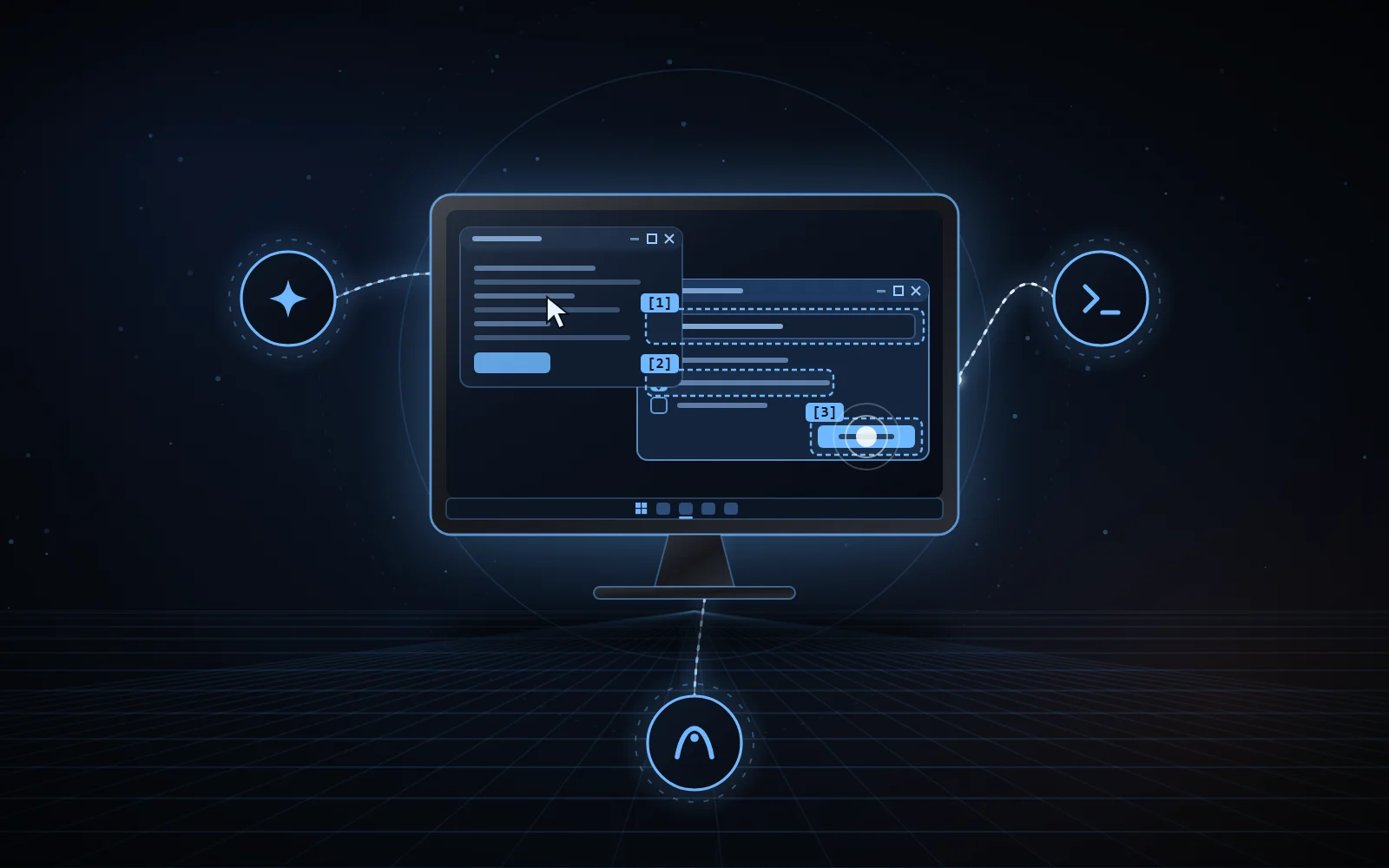
One edition for Claude, one for Codex, one for Antigravity: the agent reads a window and acts on it while you keep the mouse, the keyboard and the foreground window.
Each edition is written for its agent and published in its own repository, under the MIT licence.
NexusWindows for Claude
v0.7.0 · nexus-windows MCP server · Python 3.14
A local MCP server for Claude Code and Claude Desktop. For each UI family (Win32, WinForms, WPF, UWP, WinUI, Chromium, Electron), it picks a technique measured not to steal focus, then reads the effect back.
Six tools: windows, look, act, launch, window, logs.
Four outcomes per step: ✓ read back, = already true, ~ sent without read-back, ✗ failure or refusal.
Verified routines, replayed by name and re-verified at every step.
PrintWindow capture, covered windows included.
Anthropic’s own computer use (Cowork and Claude Code in the Claude Desktop app) is a beta for the Pro and Max plans only: according to Anthropic’s help center, Team and Enterprise plans don’t have access to it at this time. NexusWindows for Claude is a local MCP server: it brings Windows computer use to Claude Desktop and Claude Code on any plan that can load a local MCP server, Team and Enterprise included.
Codex has its own Computer Use: on Windows, OpenAI’s documentation says to keep the target application visible on the active desktop while it works. This layer adds to it so that it acts in the background first: a local .NET helper, and Codex’s physical input only as a last resort.
Win32 messages and UI Automation without focus, Codex’s physical input as a last resort.
Every action checked against an explicit postcondition.
Verified batches: up to 32 actions, stopping at the first unverified step.
Never a double action: a click sent without a read-back effect is neither counted as a success nor replayed.
A skill and JavaScript modules: no MCP server, no network port, no token.
An MCP server for Google Antigravity, designed for Gemini models: look, then act in a single batch, with targets named by their label.
Five tools: computer_list_windows, computer_look, computer_act, computer_open_path, computer_close_window.
Every reply states the next step in one line (✓ done, = already done, ~ effect not seen, ✗ failure) and attaches the window image when the effect was not read back.
Background even with foreground=True: a targeted point is mapped to the UI Automation element under it.
Irreversible gestures (pay, send, delete permanently, uninstall…) refused without confirm: true, the Enter key included.
The same principles, and two file-based protocols shared by the agents of one PC. Any agent can implement them.
01
Background first
Win32 messages and UI Automation without activating the window: the mouse, the keyboard and the foreground stay yours.
02
Every effect read back
The effect is read back in the application: value, state, window. Input sent without read-back is never counted as a success.
03
Real mouse only when allowed
As a last resort and only when allowed (foreground=true for Claude and Antigravity), after a pause in your typing for Codex and Antigravity, and stopped as soon as you take over.
04
A shared foreground token
A shared file, held only while really using the mouse or the foreground, never for a background action. Windows releases it if the agent stops; a waiting agent gives up after 8 s and says who holds it.
05
A shared emergency stop
Ctrl+Alt+Shift+Esc blocks every desktop action for 2 minutes, for every agent; reads stay allowed. Deleting the file or changing the clock does not lift the stop.
06
Off-limits areas
Password managers, sign-in screens and UAC prompts: never driven by any of the three editions.
07
On-screen text stays data
Claude and Codex editions: what a window shows is never an instruction or an authorisation for the agent.
The foreground token and the emergency stop are described in the Claude and Codex edition repositories; the Antigravity edition applies the same protocols.
03 / THE NEXUS FAMILY
Windows, Chrome, Android. The same spirit.
NexusWindows
Windows desktop applications, driven in the background. You are here.
NexusBrowser
Your real Chrome, driven by your AI agents in background tabs.
Claude: uv sync, then claude mcp add or claude_desktop_config.json. Codex: install.ps1 builds the helper and installs the skill. Antigravity: install.ps1, then an entry in mcp_config.json.
Independent project, not affiliated with Microsoft, Anthropic, OpenAI or Google.
System
Windows 10 or 11
Claude
v0.7.0 · Python 3.14 · uv
Codex
v1.4.1 · Codex app and its Computer Use plugin · .NET 8 SDK
Antigravity
v2.8.2 · Google Antigravity · Python 3.14
Licence
MIT
Limits
Tested on Windows 11 with test applications and a handful of real applications: not every application has been checked.
05 / SOURCE CODE
Read the code. Pick your agent.
The code, documentation and measurements of each edition are on GitHub, under the MIT licence.