NexusBrowser
WithFor Gmail settings (filters, signature) or another Google account, the agent goes through your real Chrome.
WithoutThose settings are done by hand in Gmail.
Discover NexusBrowser NexusAGYmailby julienpiron.fr
julienpiron.fr
NexusAGYmailby julienpiron.fr
julienpiron.fr
MCP SERVER · OFFICIAL GMAIL API · LOCAL
Gmail for AI agents that is safe to leave alone.
One local MCP server, nexus-agymail, gives Antigravity (whose store has no Gmail connector) or any MCP client your Gmail through the official Gmail API: search, read, attachments, drafts, labels, a reversible trash, and sending a draft only after your yes for that exact draft. Nothing is ever deleted for good.
Works with



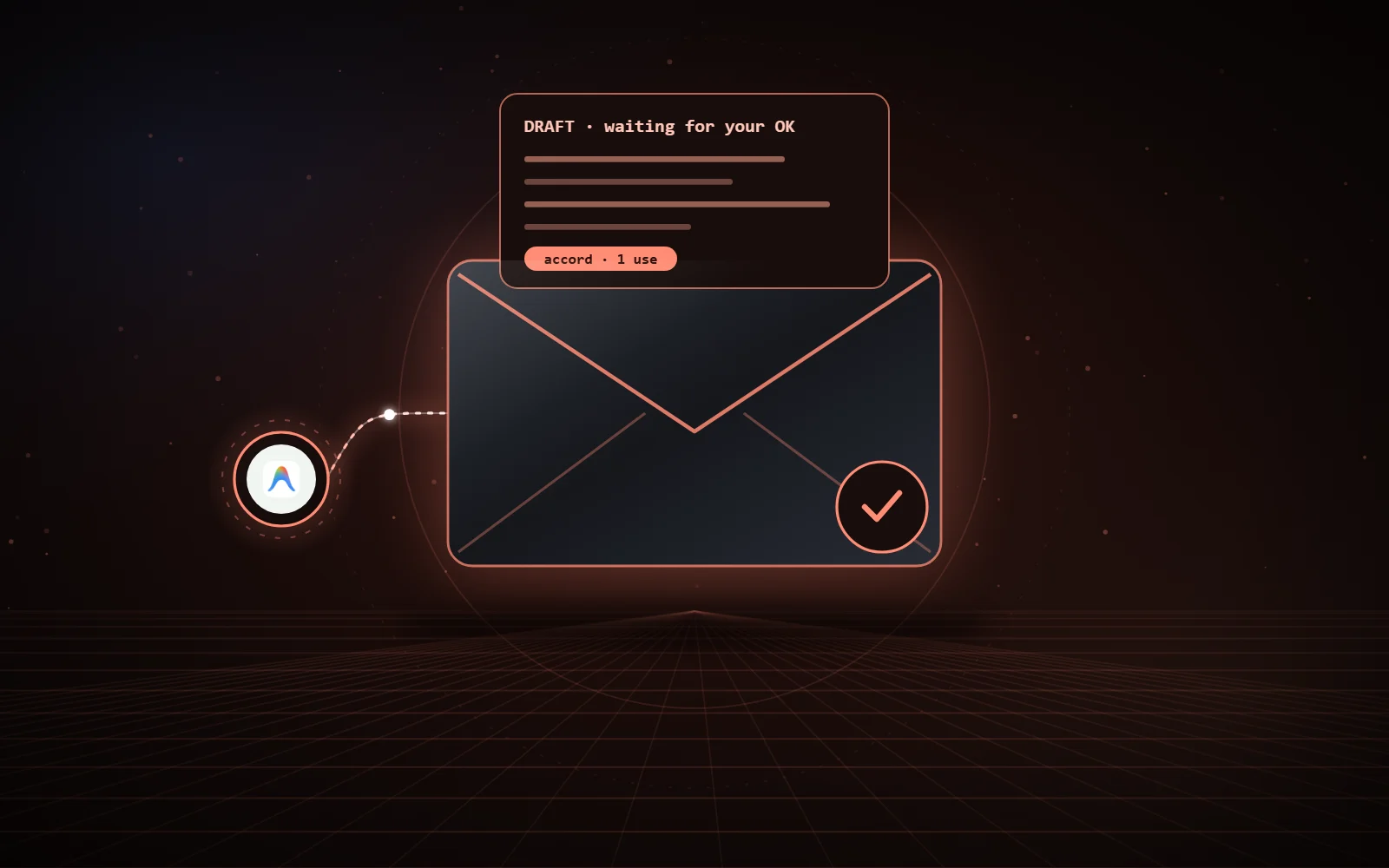
create_draft(to, subject, body)send_draft(draftId)accord exact summary to show, single-use tokendelete(messageId)absent no permanent deletion tool01 / WHAT IT DOES
Same names and parameters as Google’s official Gmail MCP server, without the preview programme or a remote endpoint, plus three tools of its own.
search_threadsSearches threads (Gmail syntax), one page per call, with a summary of the latest messages.
get_message, get_threadA message or a thread, body as text, quotes of earlier replies removed.
download_attachmentSaves an attachment under a sanitized name, never overwriting, marked as downloaded from the Internet.
create_draft, update_draftDrafts, replies in the same thread, attachments added by path.
label_*, unlabel_*Labels and archiving, per message or per thread, 100 items at most.
trash_*, untrash_*Trash, reversible for 30 days.
send_draftSends only with your OK for that exact draft, read again just before sending.
auth_statusWhere the token is, which scopes it carries, whether to sign in again.
02 / INSTALLATION
If it is not there yet: open PowerShell and paste:
irm https://astral.sh/uv/install.ps1 | iexmacOS, Linux:
curl -LsSf https://astral.sh/uv/install.sh | shYour mail never goes through anyone else’s app.
Your browser opens on Google’s page:
uvx --python 3.14 nexus-agymail auth --client-secret "$HOME\Downloads\client_secret_XXXX.json"Google shows “Google hasn’t verified this app”: it is yours, click Advanced, Go to … (unsafe), then allow.
uvx --python 3.14 nexus-agymail setupAnother AI app (Claude Desktop, Cursor, VS Code, Codex): add the server uvx --python 3.14 nexus-agymail to its MCP configuration (examples in the README).
Ask, for example: “Summarize my unread emails from this week”, “Archive the newsletters older than a month”, “Draft a reply to Alice saying I agree, and show it to me before sending”.
To check:
uvx --python 3.14 nexus-agymail statusTo remove everything: delete ~\.nexus\nexus-agymail and ~\.gemini\config\plugins\nexus-agymail, then remove the access in your Google account.
Code, documentation and installer: NexusAGYmail GitHub repository.
Independent project, not affiliated with Google; Gmail is a trademark of Google LLC.
03 / NEXUS ECOSYSTEM
NexusAGYmail installs on its own, or with the other Nexus bricks. Each one makes the others richer, and each one has its fallback: if a brick is missing, nothing breaks.
WithFor Gmail settings (filters, signature) or another Google account, the agent goes through your real Chrome.
WithoutThose settings are done by hand in Gmail.
Discover NexusBrowserWithClaude can hand a sorting job or a reply to Antigravity, which handles it with its tools.
WithoutEach AI works alone.
Discover NexusRelayWithA saved attachment can then be opened and handled in a desktop app.
WithoutNexusAGYmail does not depend on it.
Discover NexusWindowsWithThe agents also drive a real Android phone.
WithoutNexusAGYmail does not depend on it.
Discover NexusAndroid04 / SECURITY
An email can never trigger a send, every email is framed as data, and secrets are never attached.
Scopes gmail.readonly, gmail.compose and gmail.modify; never the only scope that allows permanent deletion, and no tool to do it.
A single-use token (10 minutes) bound to the recipients, subject, body and the fingerprint of each attachment; the draft is read again just before sending, and nothing goes out if it changed.
A recipient found in an email the agent read is flagged in the summary: allowed only if you asked for it.
Subject, body, addresses and attachment names are returned framed and labelled as data; an email that looks like instructions for an AI is flagged.
Sanitized names, never overwriting, “downloaded from the Internet” mark; never an attachment taken from a secrets folder.
Encrypted with DPAPI for your Windows account (a file readable only by you elsewhere), written atomically, never shown.
No account, no telemetry, no relay: the only requests go to Google, with your own OAuth client. No email is written to disk, except an attachment you ask for.
05 / GOOD TO KNOW
Each user creates their own Google client: a shared public client would need Google’s restricted scope verification and a security assessment.
Drafts are written as plain text; no Gmail settings (filters, signature, forwarding), to be done in Gmail.
Neither spam reporting nor permanent deletion. Used daily on Windows 11; macOS untested.
06 / LINKS
The server, the tests against a fake Gmail API and the documentation are on GitHub, under the MIT licence.