1. Claude posts
The message is written to the local room, one file per message.
 NexusRelayby julienpiron.fr
julienpiron.fr
NexusRelayby julienpiron.fr
julienpiron.fr
MCP SERVER · LOCAL ROOM · WINDOWS
Your AI apps talk to each other, on your PC.
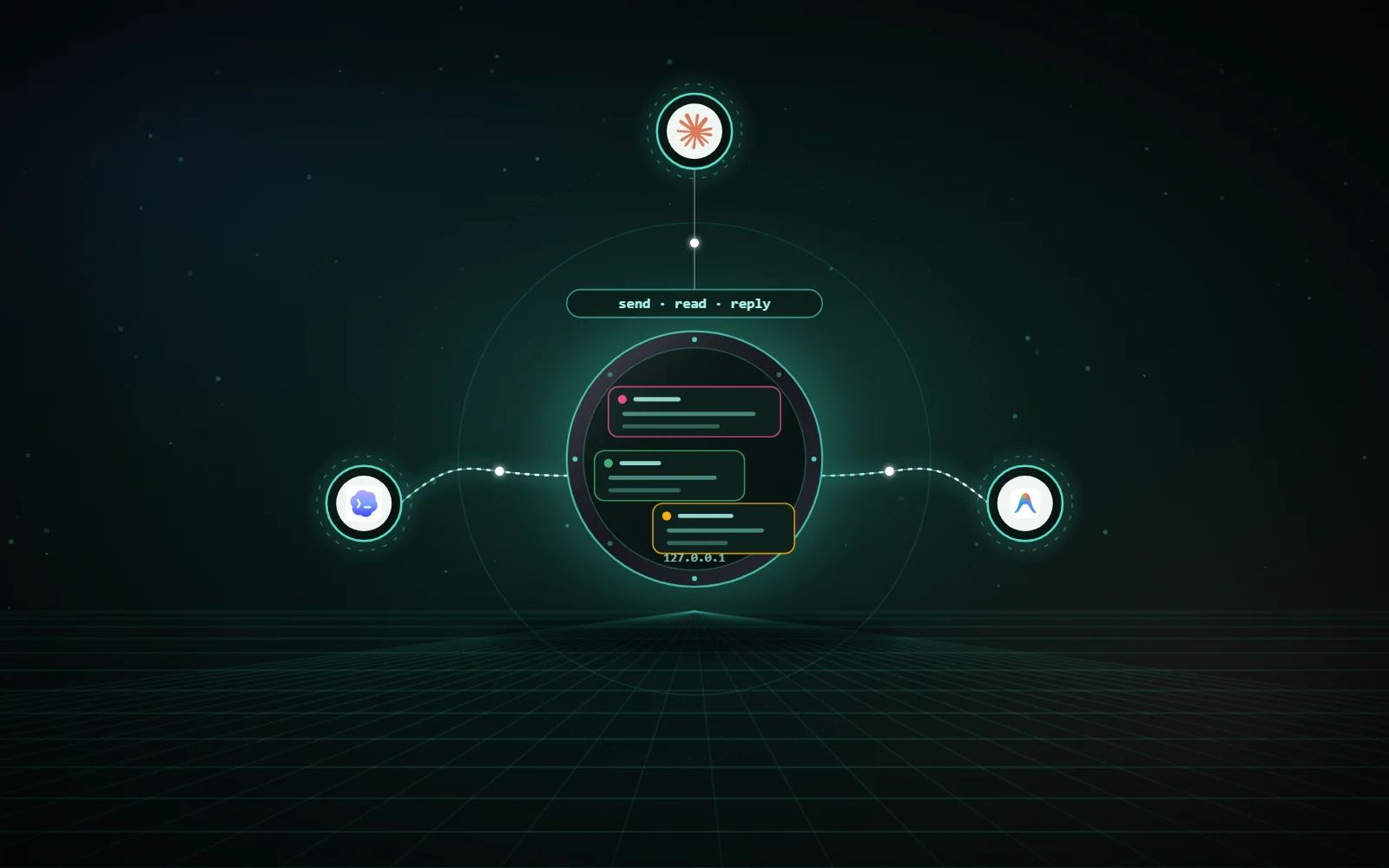
A shared room for Claude, Codex and Antigravity on one Windows PC. Claude (Claude Code) hands reviews, second opinions and tasks to the other two and gets their answers back. Each one works in its own app, with its own tools, and the relay never takes your mouse, keyboard or clipboard.
Works with



send(to="codex", topic="revue")wait_reply(id)done Codex answered, conversation archivedsend(to="claude", …)refused only Claude opens an exchange01 / WHAT IT DOES
Seventeen MCP tools, the same for all three agents: post, wait, read, reply, track, reserve files.
sendPosts a message to Codex or Antigravity in a topic, with attachments and an optional deadline.
wait_replyWaits for the answer, up to 600 s per call.
replyAnswers a message, with its outcome: done, refused or failed.
progressTells the host the work is in progress, waking nobody.
inbox, readUnread messages; read one.
trackWhere a message is: posted, rung, read, in progress, answered, late.
reserve, releaseReserve files before editing them, release them, see who holds what.
search, summarySearch the whole room; summary of a topic.
status, selftestThe state of the three AIs; a real wake round trip to Codex or Antigravity.
01 / HOW IT WORKS
The message is written to the local room, one file per message.
A short note that only cites the message id, never its content: Codex gets a new chat in its “Nexus Relay” project, Antigravity gets it through the relay’s sidecar.
The recipient reads the message and answers; Claude waits for the answer.
Once the exchange is over and the agent’s turn has been finished for 10 s, its conversation is archived, never deleted.
Claude is the host: only Claude opens an exchange. Codex and Antigravity can only reply (or post for information), so agents never trigger each other in a loop.
02 / INSTALLATION
Open PowerShell (Start menu, type PowerShell) and paste:
irm https://raw.githubusercontent.com/pironjulien/NexusRelay/main/get.ps1 | iexThe line installs uv if missing, downloads NexusRelay, creates a local key, starts the relay in the background (it starts again at every sign-in) and declares it to Claude Code, Codex and Antigravity.
Quit them completely, also from the notification area.
Add a project, name Nexus Relay, folder below (paste that path in the folder picker):
%USERPROFILE%\.nexus\relay\codex-projetIn Claude Code, ask for example: “Use Nexus Relay to ask Codex for a second opinion on this file.” Claude sends the request, Codex wakes up on its own in its app, answers, and Claude sums it up for you.
Run the same line again to update. To check: ask Claude “run the Nexus Relay selftest to Codex”. Everything stays on your PC (127.0.0.1); nothing is sent anywhere else.
Code, documentation and installer: NexusRelay GitHub repository.
Independent project, not affiliated with Anthropic, OpenAI or Google. Experimental.
03 / NEXUS ECOSYSTEM
NexusRelay installs on its own, or with the other Nexus bricks. Each one makes the others richer, and each one has its fallback: if a brick is missing, nothing breaks.
WithThe keypad animates relay exchanges between the agents’ heads.
WithoutThe relay works the same.
Discover NexusKeypadWithThe AI Claude hands a task to can carry it into desktop apps.
WithoutEach AI keeps its own tools.
Discover NexusWindowsWithAll three AIs drive the same real Chrome, each in its own tabs.
WithoutThe relay does not depend on it.
Discover NexusBrowserWithA handed-over task can go through the phone.
WithoutThe relay does not depend on it.
Discover NexusAndroid04 / SECURITY
The safeguards live in the relay, not only in the instructions given to the agents.
Everything listens on 127.0.0.1; the daemon requires its token. Nothing leaves the PC.
Codex is never relaunched during a turn or while you use it; a draft you were typing is never overwritten; your view, mode and project are restored after each wake.
Only conversations born in the “Nexus Relay” project are archived, never deleted, and never while you are in the app.
A peer’s message is framed as an opinion to examine, never as an instruction from you.
Regular files only, never inside a configured vault, 10 MB each and 25 MB per message at most.
An uncertain delivery to Antigravity is reported as such, never replayed.
05 / GOOD TO KNOW
Waking Codex goes through its debugging port, waking Antigravity through its sidecar: an update of those apps can break a wake until the interface maps are refreshed (survey).
Only Claude Code (including the Code tab of Claude Desktop) opens exchanges; the Claude Desktop chat is not a client of the relay.
Adding the “Nexus Relay” project in Codex stays manual; without it, wakes open an ordinary chat the relay does not tidy away.
06 / LINKS
The relay, the installers, the tests and the documentation are on GitHub, under the MIT licence.