An animated map that reacts to your PC
Components connect at the center of the desktop through animated flows that follow their activity. Visual alerts highlight heavy loads in the relevant panels.
 NexusWpp
Back to home
NexusWpp
Back to home
Dynamic wallpaper · Windows 10 & 11
Your desktop becomes your dashboard.
From the processor to the NPU, NexusWpp brings your PC’s readings together in an animated wallpaper. Watch temperatures, memory and data transfers, spot heavy loads and switch power profiles from your Windows desktop. Every card keeps the last 60 seconds of history.
Windows app · No Wallpaper Engine required
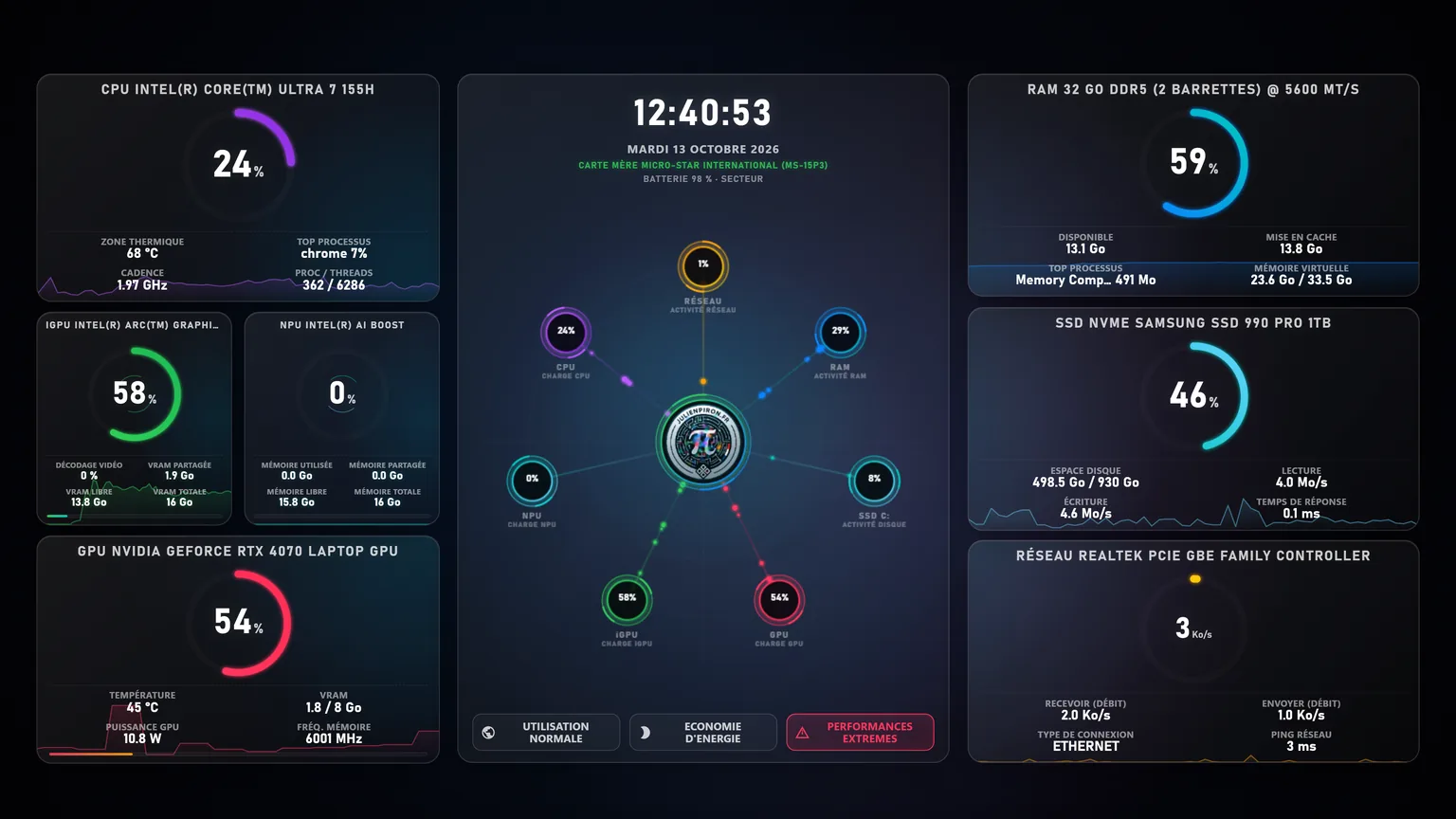
Microsoft Store captures
Every panel
The panels bring together the measurements available on your PC. Their contents depend on hardware, sensors and drivers; the readings in this screenshot belong to the featured machine.
Every day
Components connect at the center of the desktop through animated flows that follow their activity. Visual alerts highlight heavy loads in the relevant panels.
Normal use, power saving or extreme performance: switch from your desktop between the plans available on your PC. Windows confirms which plan is actually active.
Component and motherboard models are detected automatically. GPU, iGPU and NPU panels adapt to the available hardware; the clock, date and, on a laptop, battery level and power source complete the view.
Rendering stops as soon as a window covers the desktop and resumes instantly when it is visible again. Telemetry uses native Windows performance counters, and animations stay restrained (12 frames per second). With Windows energy saver on, the logo rings hold still to save battery.
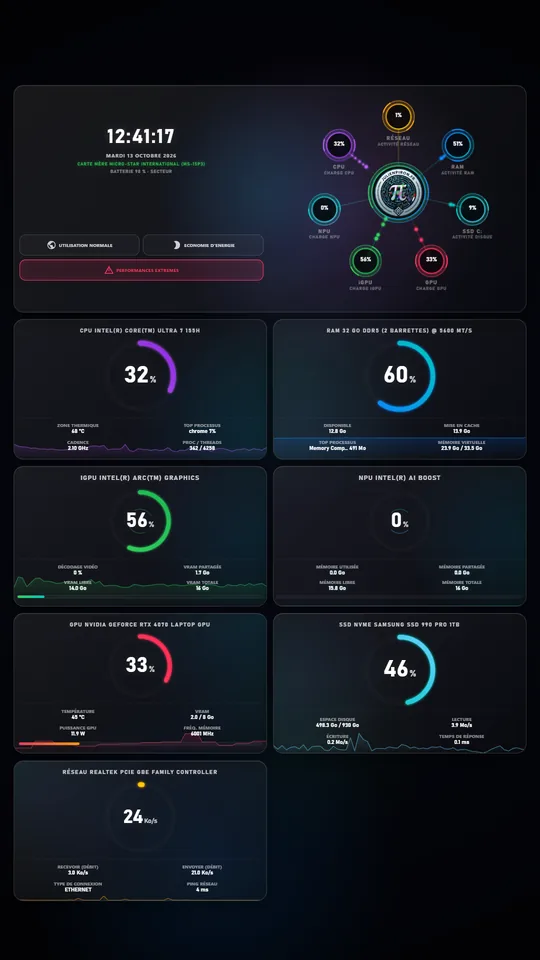
The cockpit shows on the main screen and the wallpaper spans every screen, landscape or portrait. The interface follows the Windows language, and the app starts with your session, behind your icons.
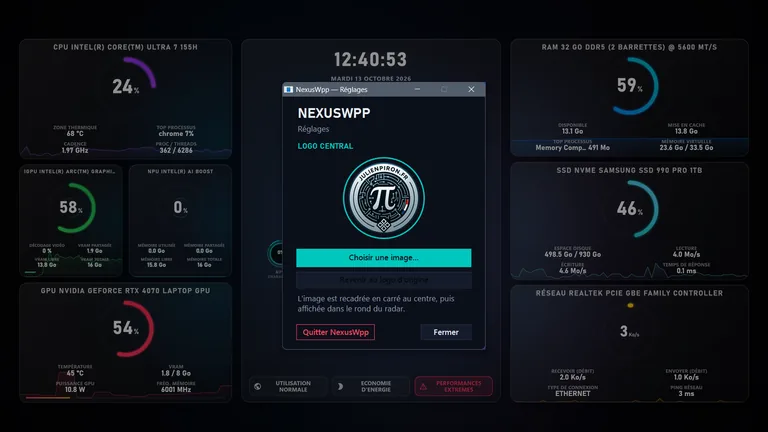
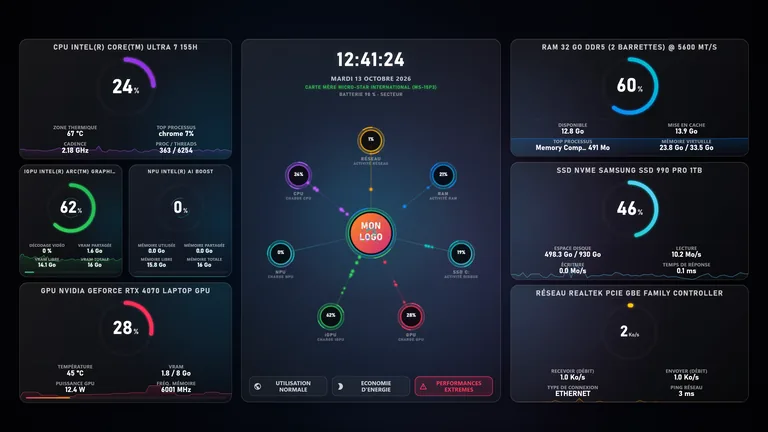
From the notification area icon, open the settings to replace the center logo with your own image, restore the original logo or quit the app.
New since the screenshot · version 1.0.45
The CPU, iGPU, NPU, GPU and RAM cards show the program that uses each component the most, in the same “name + measurement” form. On the GPU, iGPU and NPU, it is that program’s share of the load; “None” when idle.
On battery, the power draw in watts and the remaining time estimated by Windows; while charging, the charging power. Nothing is made up when Windows does not provide the value.
History curves span the full height of the cards, as a watermark behind the values.
iGPU: used and total VRAM in a single cell, and video encoding. GPU: the memory clock moves into the title, like the RAM speed.
A graphics card switch, a wake-up or a resolution change resizes the wallpaper in place, without detaching it from the desktop. If WebView2 stops, it is restarted, and NexusWpp reattaches after an Explorer restart.
Ready for your desktop
Open the Microsoft Store listing to check compatibility requirements and install the app on your PC.
Open the Microsoft Store(new tab)